

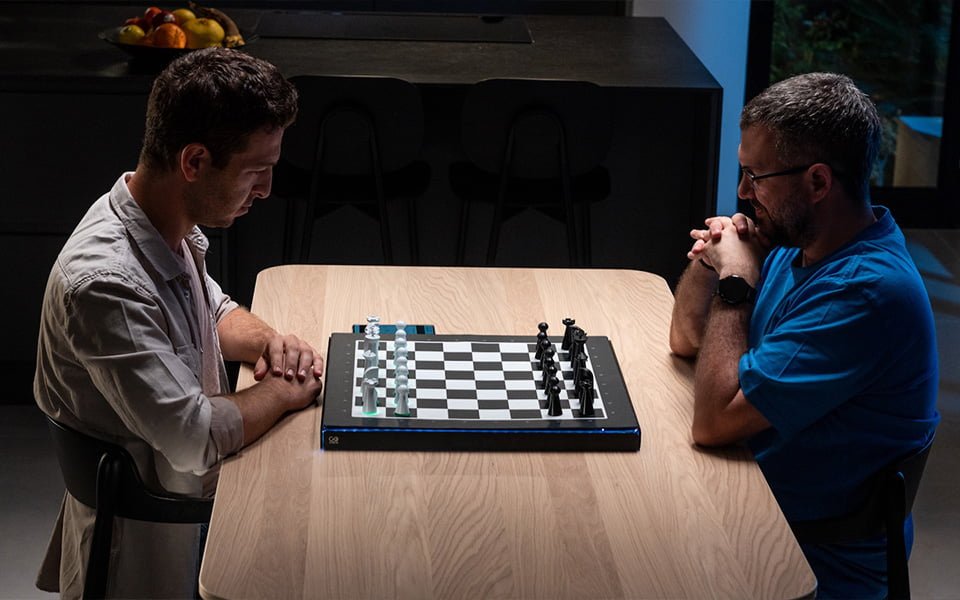
I've been fascinated by chess for years, and it still blows my mind that this game has been hooking people for over 1,500 years. From those ancient courts in India to the chess apps we play on our phones today, there's still something complicated about it, especially when it comes to setting the board.
That's what I love about chess though, it's this perfect mix of being incredibly complex but also super precise.
If you're here because you want to learn how to set up a chess board, you're in the right place. Maybe you just got a chess set as a gift, or you're tired of feeling lost when everyone else seems to know what they're doing. Either way, I get it, we've all been there.
The good news? Setting up a chess board correctly is actually pretty straightforward once someone shows you the right way. You don't need to memorize a bunch of complicated rules or chess theory. You just need to know where each piece goes, and I'm going to walk you through it step by step.
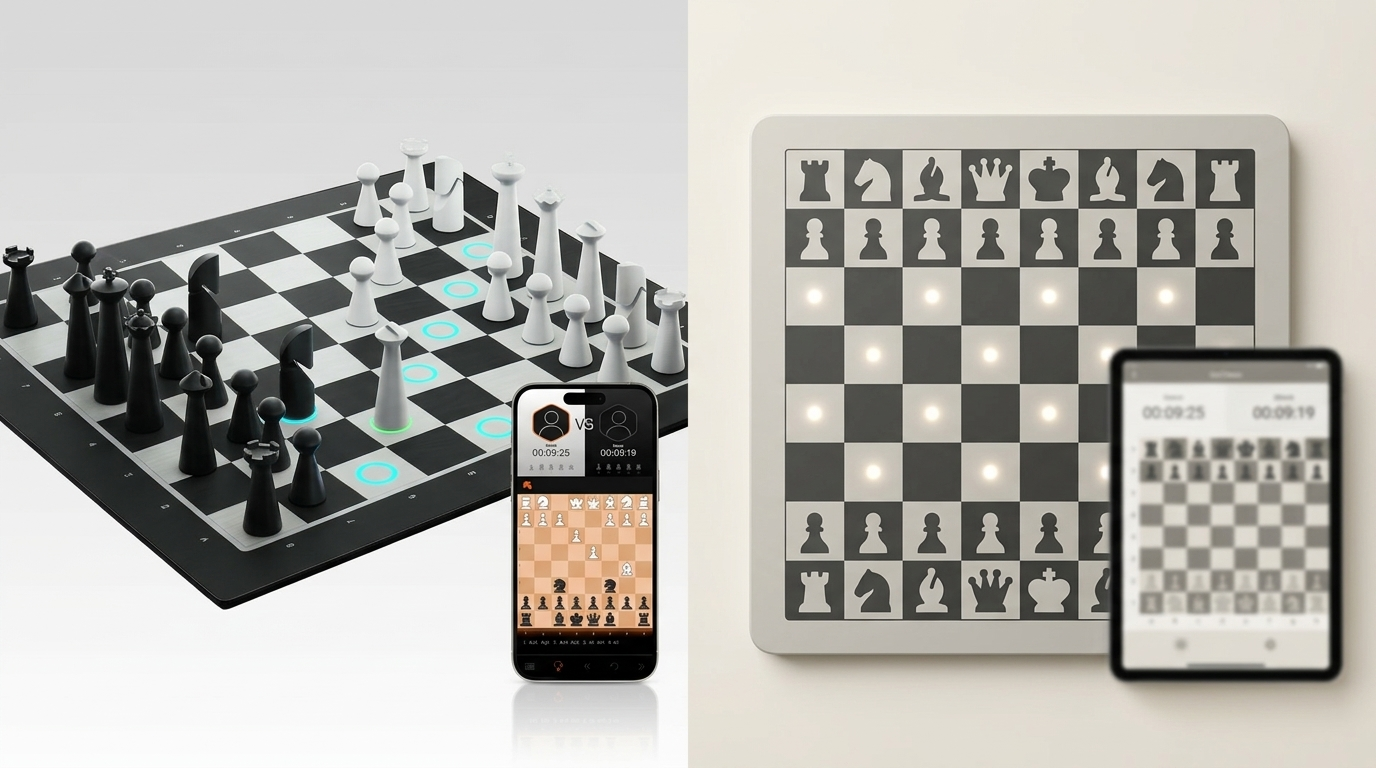
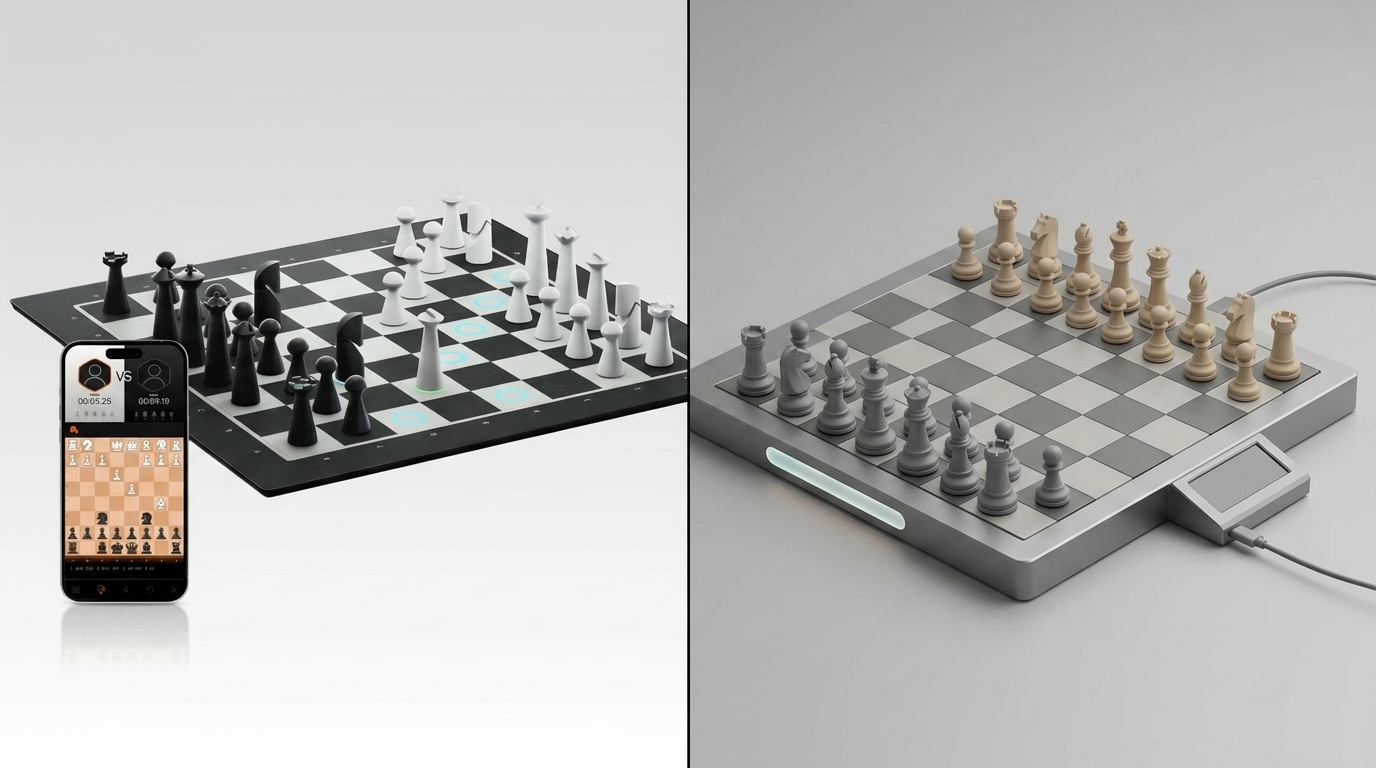
By the time you finish reading this, you'll be able to set up any chess board with confidence. And if you're someone who learns better with a little extra help, I'll also show you how modern chess boards like GoChess can make the whole process even easier, especially when you're ready to start actually playing games.
What You'll Need
Before we jump into the setup process, let's make sure you have everything you need. Don't worry, it's pretty simple.
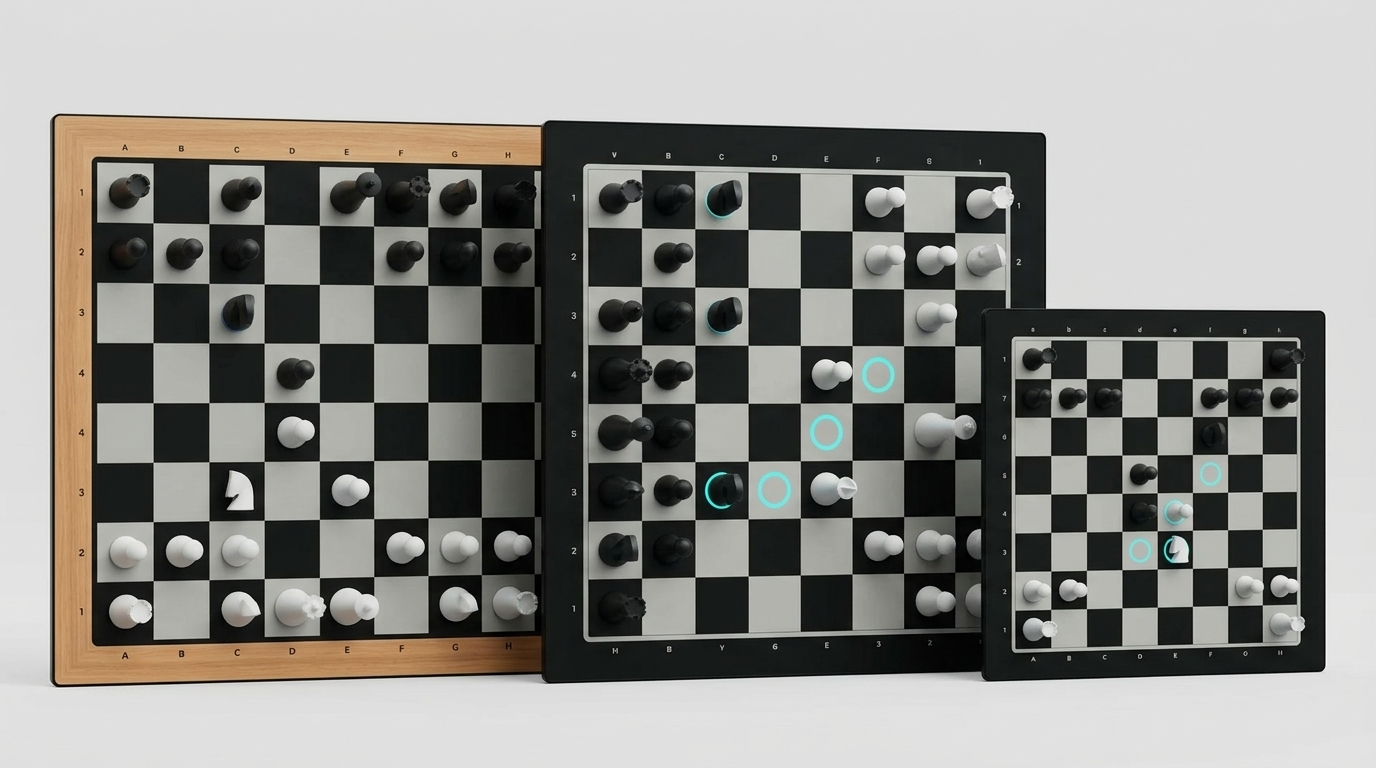
A Chess Board: This is the 64-square board with alternating light and dark squares. Most boards are wooden, plastic, or even digital (more about that later) but they all work the same way. The key thing to remember is that chess boards are always 8x8 squares.
32 Chess Pieces: You'll need a complete set that includes 16 white pieces and 16 black pieces. Here's what each side gets:
- 1 King
- 1 Queen
- 2 Rooks (those castle-looking pieces)
- 2 Bishops
- 2 Knights (the horse heads)
- 8 Pawns (the smallest pieces)
If you're missing any pieces, you can't play a proper game, so double-check you have everything before you start setting up or just make one of the figures by using your craft skills if you feel creative today.
A Flat Surface: Seems obvious, but you want somewhere stable where the board won't slide around and the pieces won't fall over.
That's it! No timers, no scorecards, no complicated equipment needed. Just a board and pieces.
Step-by-Step Board Setup
Alright, before you start your opening moves, here's where we should get into the actual setup. I'm going to walk you through this step by step, and by the end, you'll be able to set up any chess board like a pro.
Step 1: Position the Board Correctly
This is where a lot of people mess up right from the start, so pay attention to this part.
The Golden Rule: White square on your right.
When you sit down at the chess board, look at the bottom-right corner square closest to you. That square needs to be white (or light-colored). If it's black (or dark-colored), turn the board 90 degrees.
I can't stress this enough, this is the foundation of everything else. Get this wrong, and your entire game will be off. The bottom-right square, from your perspective, must always be white.
Here's a simple way to remember it: imagine you're shaking hands with your opponent. Your right hand extends over a white square. That's the corner that should be white.
Step 2: Set Up Your Back Row (First Rank)
Now we're going to place the major pieces on the row closest to you. In chess terms, this is called your "first rank," but you don't need to worry about terminology right now.
Start with the Corners - Place Your Rooks
Take your two rooks (they look like little castles) and put one in each corner of your back row. So you'll have a rook on the far left square and a rook on the far right square of the row closest to you.
Next Come the Knights
The knights (horse head pieces) go right next to the rooks. So from left to right, you now have: Rook, Knight on the left side, and Knight, Rook on the right side.
Then the Bishops
Bishops go next to the knights. Your back row should now look like this from left to right: Rook, Knight, Bishop on the left, and Bishop, Knight, Rook on the right.
Now for the Queen and King
This is where people get confused most often, so I'm going to give you a foolproof way to remember this.
Queen goes on her own color. If you're playing white, your queen goes on the white square that's left in your back row. If you're playing black, your queen goes on the black square.
The king goes on the remaining square next to the queen.
So if you're playing white (which means you have the white pieces), your back row from left to right should be: Rook, Knight, Bishop, Queen (on white square), King (on black square), Bishop, Knight, Rook.
If you're playing black, it's: Rook, Knight, Bishop, Queen (on black square), King (on white square), Bishop, Knight, Rook.
Memory Trick: "Queen on her color" - white queen on white square, black queen on black square. The king just takes whatever square is left.
Step 3: Set Up Your Front Row (Second Rank)
This part is easy. Take all eight of your pawns and place them on the row directly in front of your major pieces. Every square in that second row gets a pawn.
That's it for your side of the board. Your pawns form a little army protecting your important pieces behind them.
Step 4: Mirror the Setup for Your Opponent
Here's the thing, your opponent's (if you don’t have an opponent don’t worry, I have an idea for you, just keep reading) pieces are set up as a mirror image of yours. So if you're sitting on one side of the board, your opponent's setup will look exactly like yours, but from their perspective.
Their Back Row: Your opponent's major pieces go on the row farthest from you (closest to them). The setup is identical to yours - rook, knight, bishop, queen, king, bishop, knight, rook.
Their Front Row: Their pawns go on the row directly in front of their major pieces (the second row from their side).
Important Note: Both queens will be on the same file (column) facing each other, and both kings will be on the same file facing each other. If this isn't the case, someone made a mistake.
Step 5: Double-Check Your Work
Before you start playing, take a minute to make sure everything looks right. Here's a quick checklist:
Board Position: Bottom-right square (closest to you) is white Your Back Row: Rook, Knight, Bishop, Queen (on her color), King, Bishop, Knight, Rook Your Pawns: All eight squares in front of your major pieces are filled Opponent's Setup: Mirrors yours exactly Queens Face Each Other: Both queens should be on the same column Kings Face Each Other: Both kings should be on the same column
If any of these things aren't right just read this section one more time and fix them before you start playing.
So your pieces are in place, but how do you play when there’s no opponent across the board?
GoChess: How to Play on Your Own?
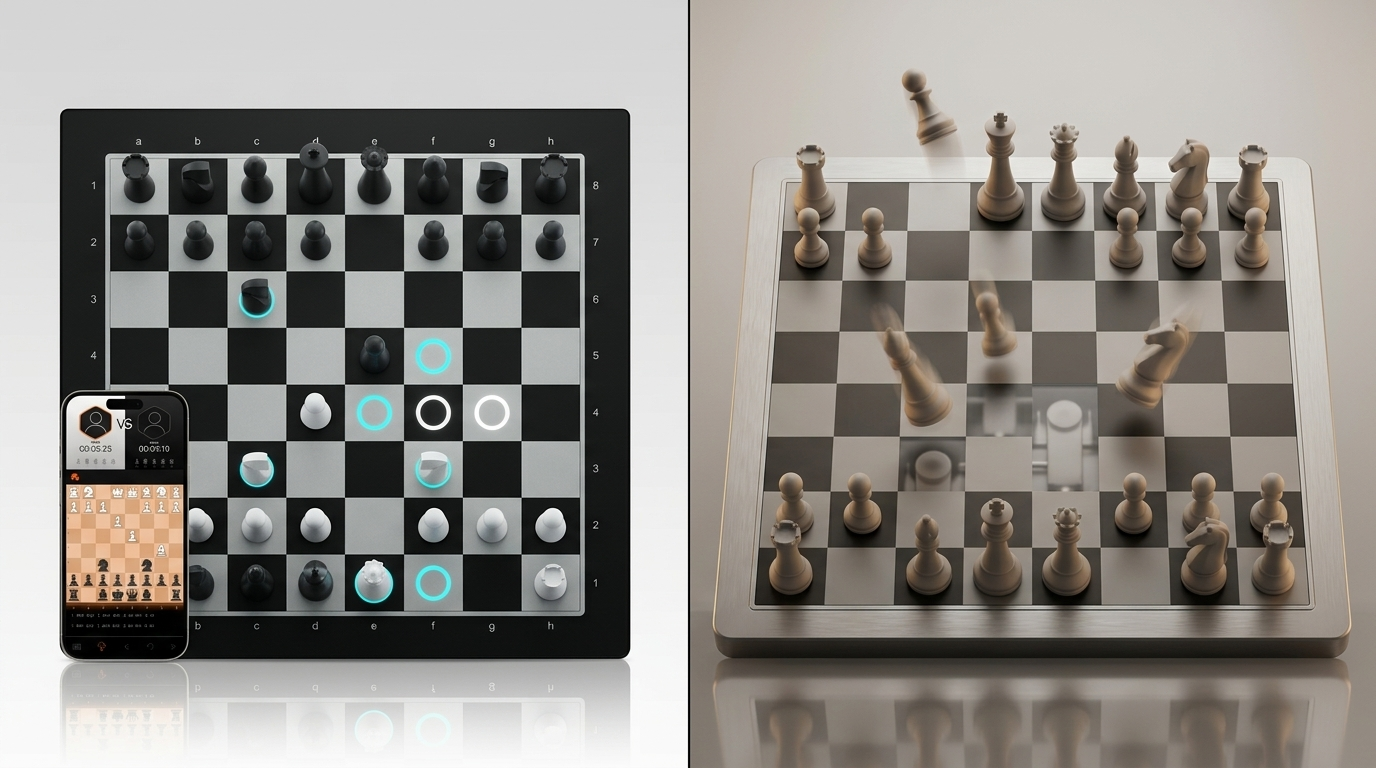
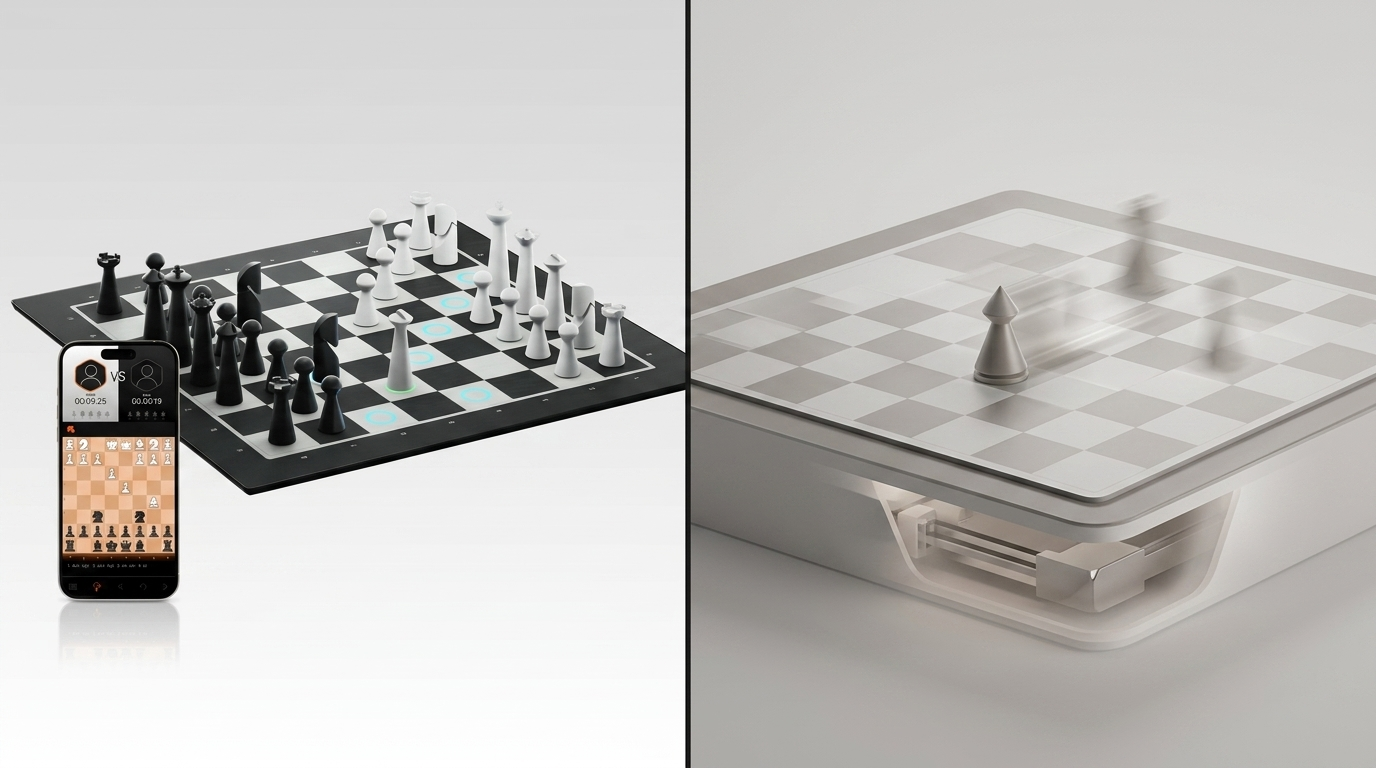
Remember how I mentioned that some modern chess boards can actually light up to show you where pieces go? Or how you can play by yourself and have the time of your life? That's GoChess!
GoChess takes everything we just learned about setup and makes it more convenient. Once you connect the board to the app, your phone or tablet screen will display the correct board setup, making it easy to reference while you arrange your pieces.
But here's the really cool part: GoChess doesn't stop there. Once your board is ready, it becomes your personal chess tutor.
- How Pieces Move: Tap any piece and GoChess lights up all the squares where that piece can legally move. Want to see how a knight moves? Tap it. Curious about what squares your bishop can reach? The board shows you instantly.
- Guided Practice: GoChess can walk you through famous games, showing you move by move how great players think. It's like having a chess master sitting next to you, explaining every decision.
- Perfect Opponents: Whether you want to play against a real life player, online opponents through Chess.com and Lichess at your exact skill level or play against AI which by the way provides 32 difficulty levels, GoChess makes it easy to find fair, fun games.
For someone who's mastered chess setup and is ready to dive deeper, GoChess is like having a patient tutor that grows with your skills. It handles the technical aspects so you can focus on the fun part: actually playing and improving your game.
Your Next Move
You came here to learn how to set up a chess board, and now you can do that perfectly every time. The setup skills you've learned today will serve you well whether you're playing casual games or taking chess more seriously.
Now that you've mastered the board setup, you're ready to learn how the pieces actually move, it's the perfect next step for building your chess knowledge.
If you're ready to move beyond just knowing where pieces go and want an interactive learning experience, GoChess makes the perfect next step. It takes all the intimidation out of learning chess by providing clear, interactive guidance as you play.